Front page / Horoscope Guide
Welcome to my horoscope guide.
With this guide, I will help you enter your data so you can generate your own horoscope. This makes it easier for you to follow along when I talk about palm reading, astrology, horoscopes, and therapy on both Facebook & Instagram. Much of what I write about is not that complicated. At the same time, I hope you find inspiration to read your own horoscope. Always start with your own. Reading a horoscope is a lifelong, endless, and time-consuming field of knowledge.
Your Data
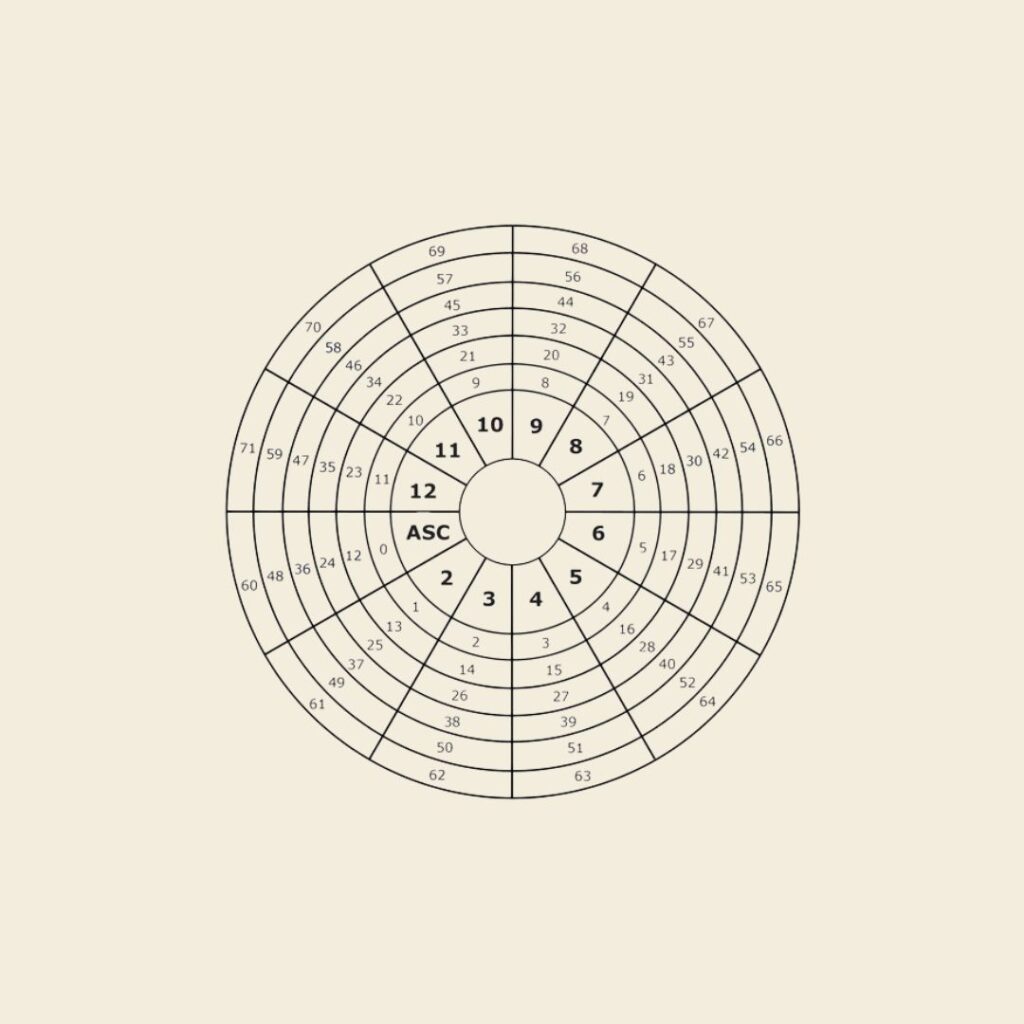
In this horoscope guide, I use the following sample data:
Birth data:
Birthdate: April 1, 1990
Birthplace: Copenhagen
Time of birth: 10:00 AM
I recommend these websites when you want to check your horoscope:
www.astro.com
www.astro-seek.com
If you use apps, I recommend TimePassages, which is free.
However, you have to pay for the pro version.
In this horoscope guide, I use www.astro.com. You start by creating a profile or logging in as a guest. If you often check your horoscope, it is a good idea to create a profile.
Set the language to Danish (at the top) if you are not comfortable with English (some pages that follow may not be translated into Danish, so I often leave it in English).
I recommend that you create a profile. That way you do not need to enter your data every time you log in. Now you enter your data then click “continue”.
After this, you can register so you can be found again.
Then you enter the site. Scroll down to the bottom until you see “See natal chart with transits”. Click the link and you will enter your horoscope wheel. You can click the wheel (once more), then press Command P (Mac) or CTRL P (Windows). Save your horoscope as a PDF or send it to your printer.
This horoscope guide is for beginners.
For those who do not know how to enter their data in order to access their horoscope.
Albert Einstein said, “creativity is intelligence having fun.” Do yourself the favor of reading your horoscope in your own way.
There is a sense of liberation, play, and deep immersion in doing it in your own way. Even if you are now thinking – “but I don’t know how.” No, but that is exactly an advantage. You are not conditioned.
Einstein said, “Imagination is more important than knowledge. For knowledge is limited, whereas imagination embraces the whole world, stimulates progress, and gives birth to evolution.”
That said, it is a good idea to read about houses, signs, etc., so you have a basic understanding. I have already created an overview for you in my astrology guide.
Enjoy reading your horoscope!